Welcome to Clipboard to Deck Manager — copy anything to PowerPoint in seconds.
Clipboard to Deck Manager (CBDM) is a Windows desktop productivity tool for turning copied images, snips, and screen captures into PowerPoint slides without the usual open, paste, resize, and center routine. It is built for professionals who already work fast and want that same speed to carry through into deck building. Instantly move copied visuals into PowerPoint and eliminate the manual workflow of opening PowerPoint, pasting, resizing, and centering every capture by hand. Copy a chart or range, Take a snip, Press Print Screen and CBDM sends the result into a live presentation ready PowerPoint deck with deterministic, repeatable behavior.
Eliminates the repetitive slide work
CBDM removes the manual steps people tolerate every day: open PowerPoint, paste the capture, resize it, center it, then do it again. The point is not just speed. The point is removing dead mechanical work from the workflow.
Built for speed
CBDM is for people who do not want to stop and manage files. The app stays ready, listens for captures when enabled, and sends each confirmed capture into PowerPoint with minimal friction.
Deterministic behavior
One capture produces one predictable result. Print Screen can generate one slide per display. Clipboard captures preserve aspect ratio. The goal is not flashy automation. The goal is reliable output.
Real PowerPoint output
CBDM creates a standard PowerPoint deck you can open, edit, and share immediately. No accounts. No cloud dependency. Just a local workflow that stays useful in real reporting environments.
How CBDM changes the workflow
Copy from the clipboard
- Copy a chart, image, or visual from another app
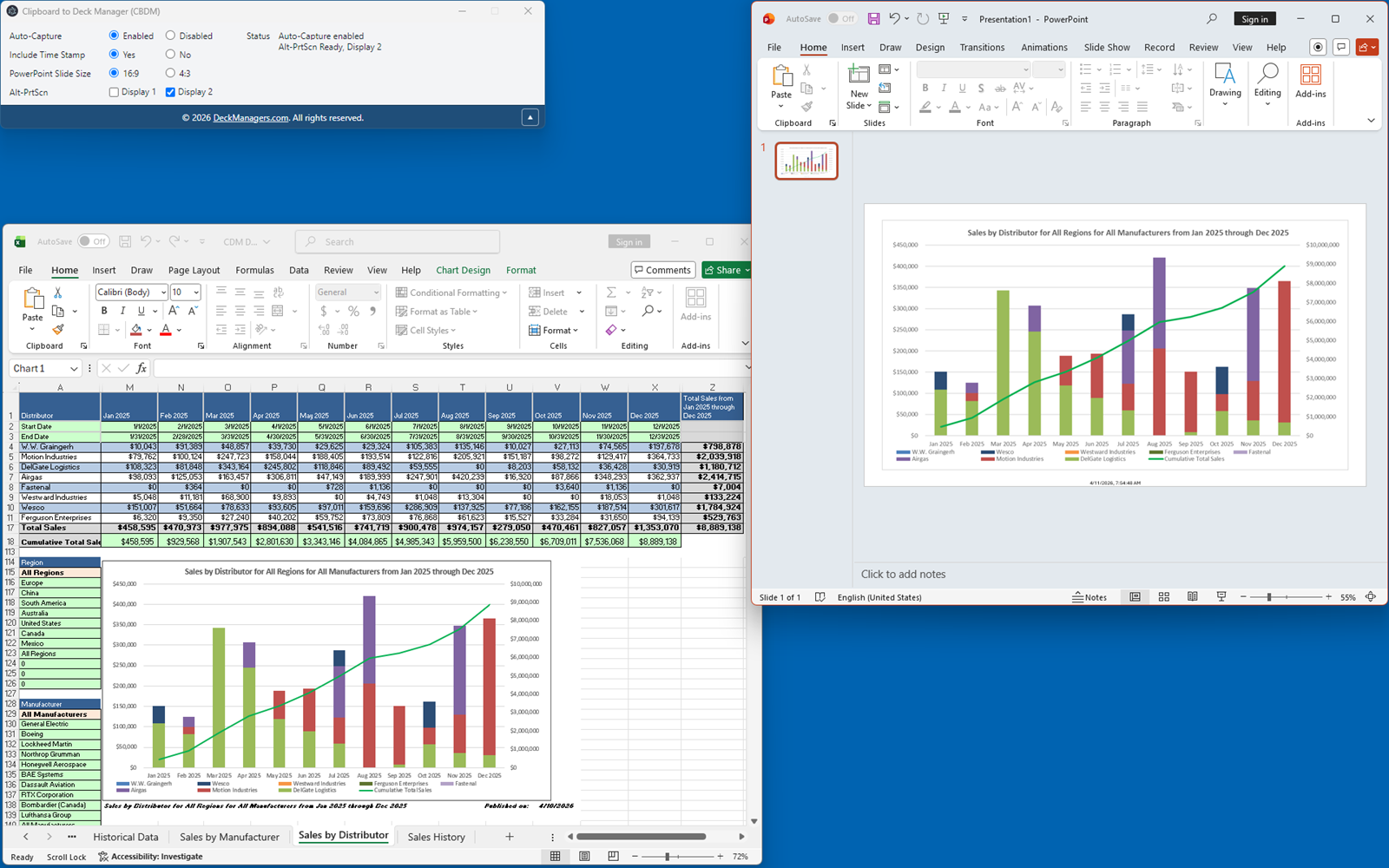
- CBDM can detect the capture and send it straight into PowerPoint when Auto-Capture is enabled
- No manual PowerPoint opening, no paste step, no resize step, no centering step
Use Snipping Tool naturally
- Take a snip the way you already do today
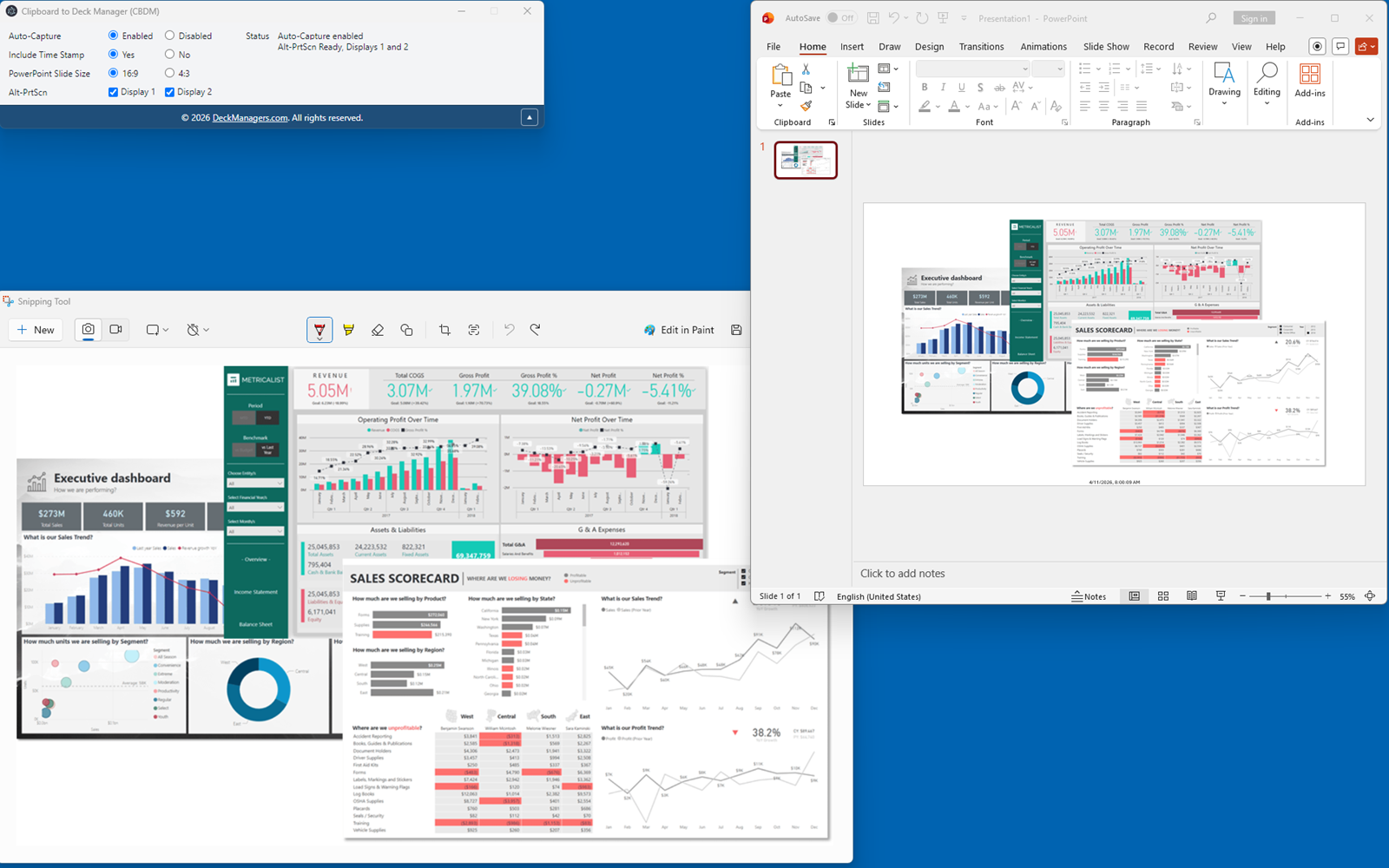
- CBDM turns that captured image into a PowerPoint slide without manual rework
Use Print Screen for one or many monitors
- Press Print Screen to capture full displays
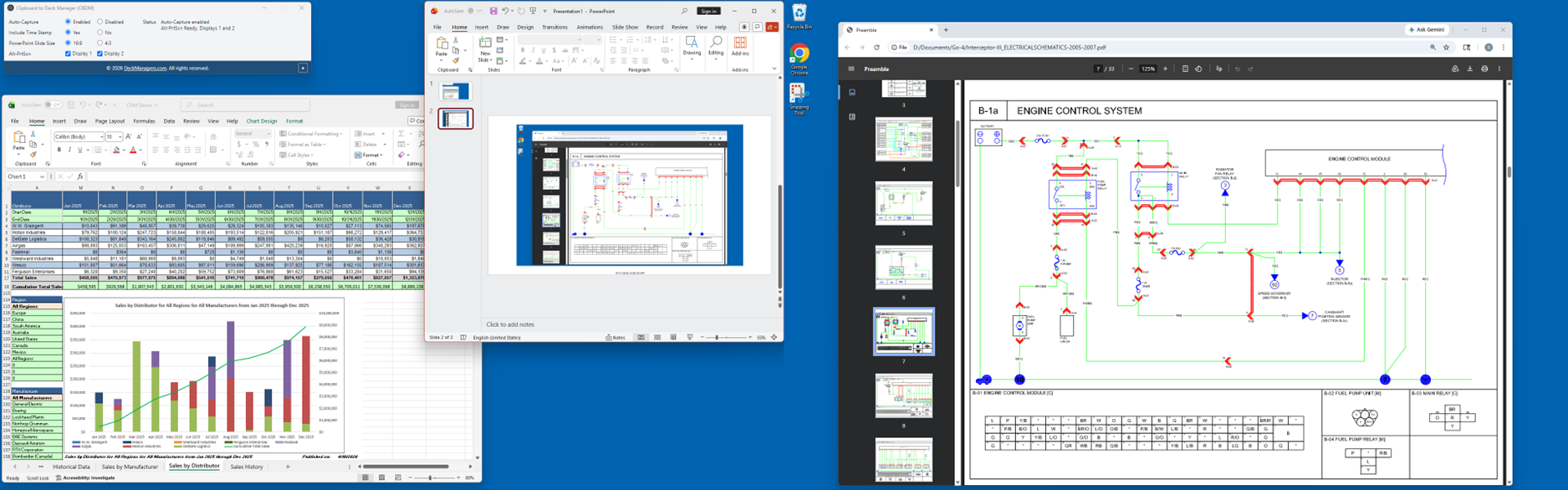
- Multi-monitor workflows can generate one slide per display
- CBDM stays focused on getting the result into the deck cleanly and predictably
Stay in a live PowerPoint session
- CBDM keeps building into a real deck instead of creating a dead-end export artifact
- The result remains editable and shareable in PowerPoint
Quick demo
A short walkthrough of the CBDM workflow: copy or capture content, let CBDM send it into PowerPoint automatically, and keep building the deck without manual paste, resize, or centering work.
Screenshots
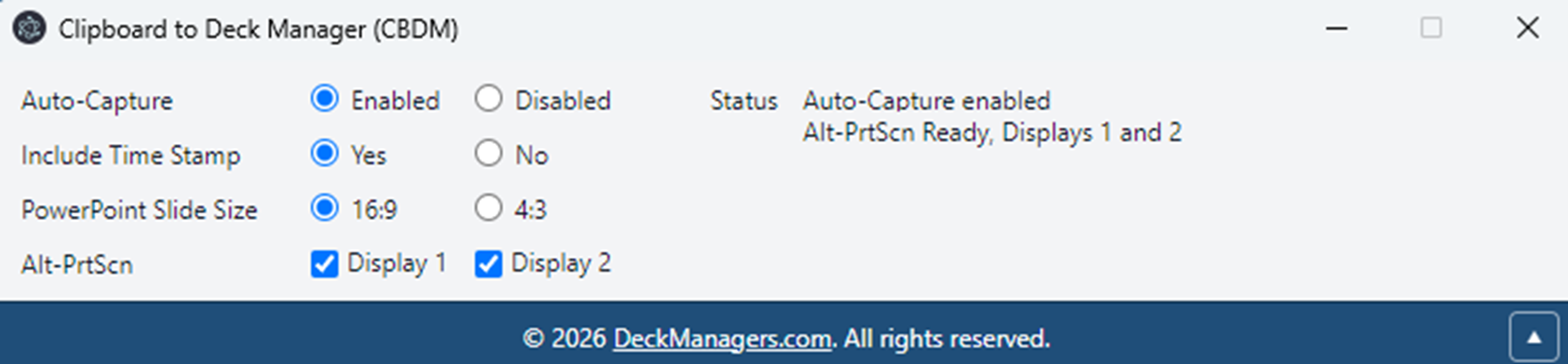
Below are the current CBDM workflow screenshots. These captions are also suitable for Microsoft Store submission.
See the workflow
.gif)
.gif)
.gif)
.gif)
Where CBDM fits best
Live reporting
Build slides as evidence appears instead of saving screenshots to folders and cleaning them up later.
Analyst workflows
Copy charts from dashboards, reports, spreadsheets, and tools that do not deserve a manual screenshot-to-slide process.
Operations and support
Capture issues, system states, or evidence quickly and drop them into a running deck for status updates or handoff notes.
Anyone tired of rebuilding decks by hand
CBDM removes a repetitive step that people tolerate only because no clean tool existed for it.